#linux

What this server has with the tag: posts by people here, and posts from elsewhere that reached it. There's more of it on social.vivaldi.net, sonomu.club, mastodon.social, fosstodon.org, floss.social.

@jon@vivaldi.net

RE: social.vivaldi.net/@Vivaldi/11

Unfortunately, day 2 of Web Summit has been cancelled due to weather. I had so looked forward to this talk, but not this time. However, I have two more talks on Thursday and I hope those of you at Web Summit will attend those instead. We are also having a press conference Thursday, so we’re staying busy. And you should stay tuned.

@lislegaard@sonomu.club

Favorite tiling window manager for Debian with Gnome?

Coming from Pop!_os I really liked their tiling system, but long story short I don't like their new Cosmic thingy and I want to keep all my Linux devices pretty similar.

Soooo what to do? Tried 0-Tiling extension, but it doesn't tile all windows.

Suggestion? Or are you all "floaters"?

Edit: Or maybe I can get 0-tiling to work if I just experiment a bit more with windows being maximized and what not.

@nekohayo@mastodon.social

I'm really enjoying the now accurate dates announcements in GNOME Calendar's minicalendar widget (in the sidebar and the event editing dialog's date picker) for screen reader apps for vision-impaired users, as detailed in gitlab.gnome.org/GNOME/gnome-c.

Here's a video showing how the current nightly version works with Orca as I navigate the widget with the keyboard… there's more to it than the eye can see!

0:42Demonstration video where the day's numbers and month names are announced by Orca as I navigate through the mini calendar widget's dates grid
@iinuwa@fosstodon.org

on is getting closer!

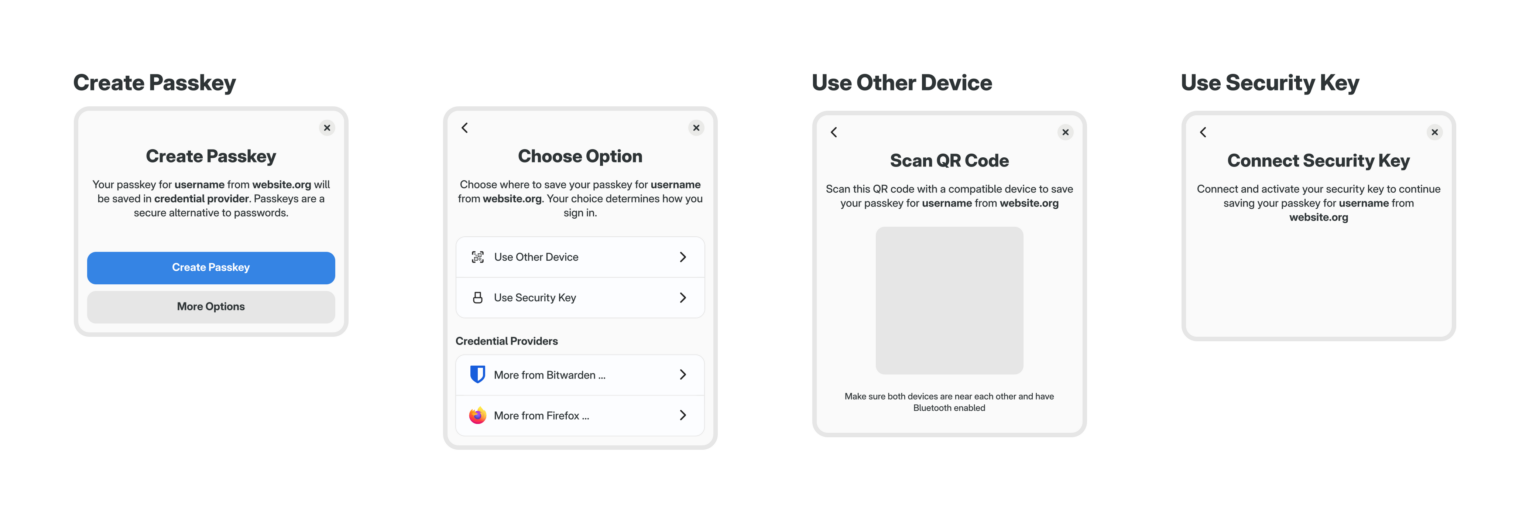
The Credential portal has been merged to be enabled with a feature flag in the next release of xdg-desktop-portal.

The GNOME design team, funded by the Sovereign Tech Fund, has produced a design for using passkeys in the GNOME desktop environment. blogs.gnome.org/psauberz/2026/

The Credentials for Linux project is going to take that feedback back to credentialsd and work with the community to implement the designs.

Exciting stuff!

Some details of the credentials portal mockup showing the passkey creation
@jon@vivaldi.net

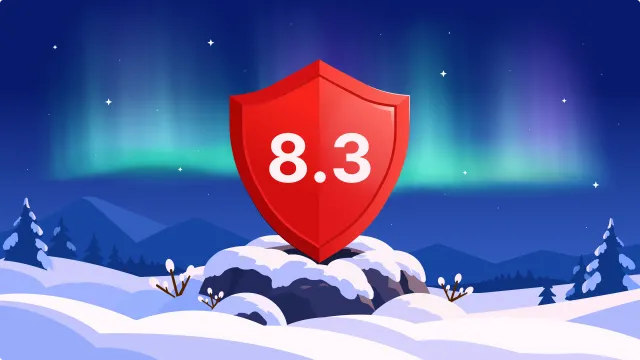
Big release for us at @Vivaldi. This release is for your computer and includes a rather big update to the tracker and ad blocker.

Are you ready to move away from Big Tech? It is time.

vivaldi.com/blog/vivaldi-on-de

@jumplink@floss.social

New blog post: build a app in in five minutes 🚀

With you write a 4 app with TypeScript, Blueprint and CSS, and use web standards like fetch and Node.js APIs like node:fs on . No browser engine, no Node.js process.

The walkthrough goes from an empty folder to a styled window, on 🐧

Feedback and questions are very welcome!

jumplink.eu/en/blog/gjsify-fir

@gnome@floss.social

GNOME.Asia Summit 2026 is just around the corner!

From 31st Oct to 2nd Nov 2026, the GNOME community will gather in Kuala Terengganu, Malaysia, for three days of technology, knowledge sharing, community connections and cultural experiences.

events.gnome.org/event/376/tim

@cassidy@blaede.family

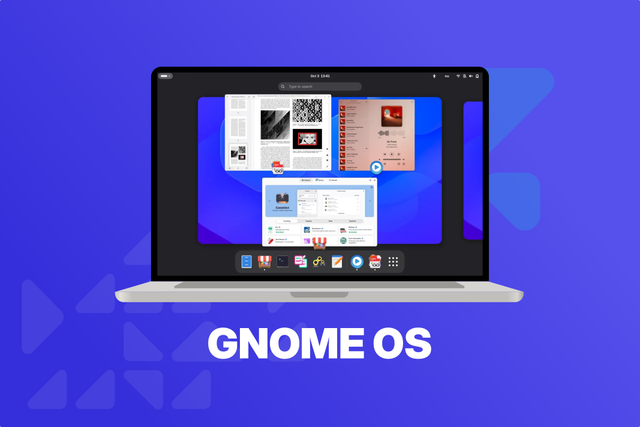
I accidentally tested GNOME OS Preview on my work laptop (I made an install flash drive for another computer and then left it in when rebooting…), and holy smokes this is smooooooth.

Idk if it’s just GNOME 51 updates, or something GNOME OS itself is doing, but it feels really, really snappy. And GNOME 50 on Fedora Silverblue was no slouch, either!

I’m telling myself to not use it for work, but everything I do is backed up… 👀

os.gnome.org/

@hbons@mastodon.social

In reply to a post

🔴 I'm live again on continuing where we left off designing 11 / 1,447 style emoji for @pidgin! :)

twitch.tv/planet_peanut_studio

@joojmachine@ursal.zone

I know most people are aware on how Linux can save old hardware, but here's to the folks that like to complain that GNOME is "bloated" and "runs poorly":

Today I salvaged this old laptop from going to the junk, added an old 4GB DDR3 RAM stick I had, popped the GNOME OS Nightly USB I had just to know what the specs were on this thing, and well... the GPU is dying a slow and painful death but damn, this runs really, really well for a 13 year old chip that was already close to e-waste by the time it was produced and a just as old and slow HDD.

I obviously won't keep using it as a desktop due to the screen, but I'm baffled at the optimization work that is going on these days that enables this to be actully smooth and usable on hardware this bad.

GNOME OS Nightly running on a 13 year old Lenovo G405 laptop with a faulty GPU.
@lislegaard@sonomu.club

Linux security:

I was thinking about something. If I use a non-FOSS on a Debian machine, what is the best way to know what it is doing? Take the app Beeper for example which makes it possible to talk to people with Messenger without being sucked further into the metaverse.

I DO realize that I should behave like everything I write is being tattooed directly on Zuck's ass, but how do I know it is not doing anything besides sucking up the text I type into the program?

@JulianOliver@mastodon.social

Time to patch, esp for those of us running VMs on metal:

thehackernews.com/2026/10/crit

Debian has released 6.12.113-1, not sure about other distros at the current moment.

@jon@vivaldi.net

For a long time we have made our selves gradually more and more dependent on Big Tech. This applies when it comes to operating system, to browsers, to various services, to storage and now when it comes to AI.

More and more are realizing this was and is wrong.

You can take the first steps to be independent as a person or company. Obviously, given that you are here, you have already taken some steps. Here are some suggestions:

1. Switch browser... to Vivaldi. :)
2. Switch desktop OS. Personally I have switched to Linux. Currently running Kubuntu, Ubuntu and Zorin on different computers.
3. Switch mail service. Proton and Fastmail are good services, but there are others. Choose one that allows use of a mail client.
4. Switch calendar service. Most mail services also offer a calendar service.
5. Switch office package. Personally I use LibreOffice.
6. Switch Web conferencing software. Personally I use Whereby.
7. Switch search. Startpage, Ecosia, Qwant and DDG are great alternatives.

There are a lot of other great choices. The point is to start taking those steps away from Big Tech and Silicon Valley.

@cjk@chaos.social

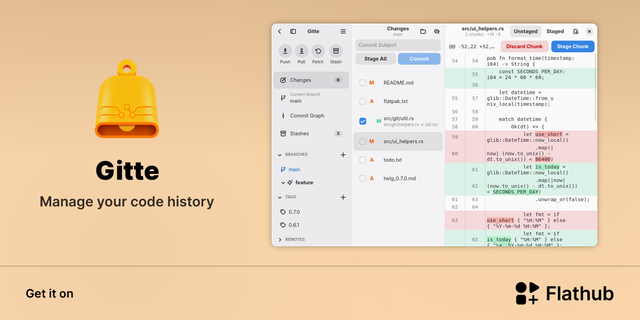
🚀 0.11.0 is out!

* Search the commit graph by message, author or commit ID
* Filter branches, tags & remotes in the sidebar (Ctrl+K)
* Commit trailers with templates & sign-off
* Amend the previous commit, including unstaging changes to remove them
* Choose your initial repository view
* Custom repository logos

Plus UI improvements & lots of fixes.

Flathub: flathub.org/apps/de.wwwtech.gi
macOS: gitlab.com/dehesselle/gitte_ma
Repo: codeberg.org/ckruse/Gitte

@cassidy@blaede.family

“This is getting out of hand; now there are TWO of them!”

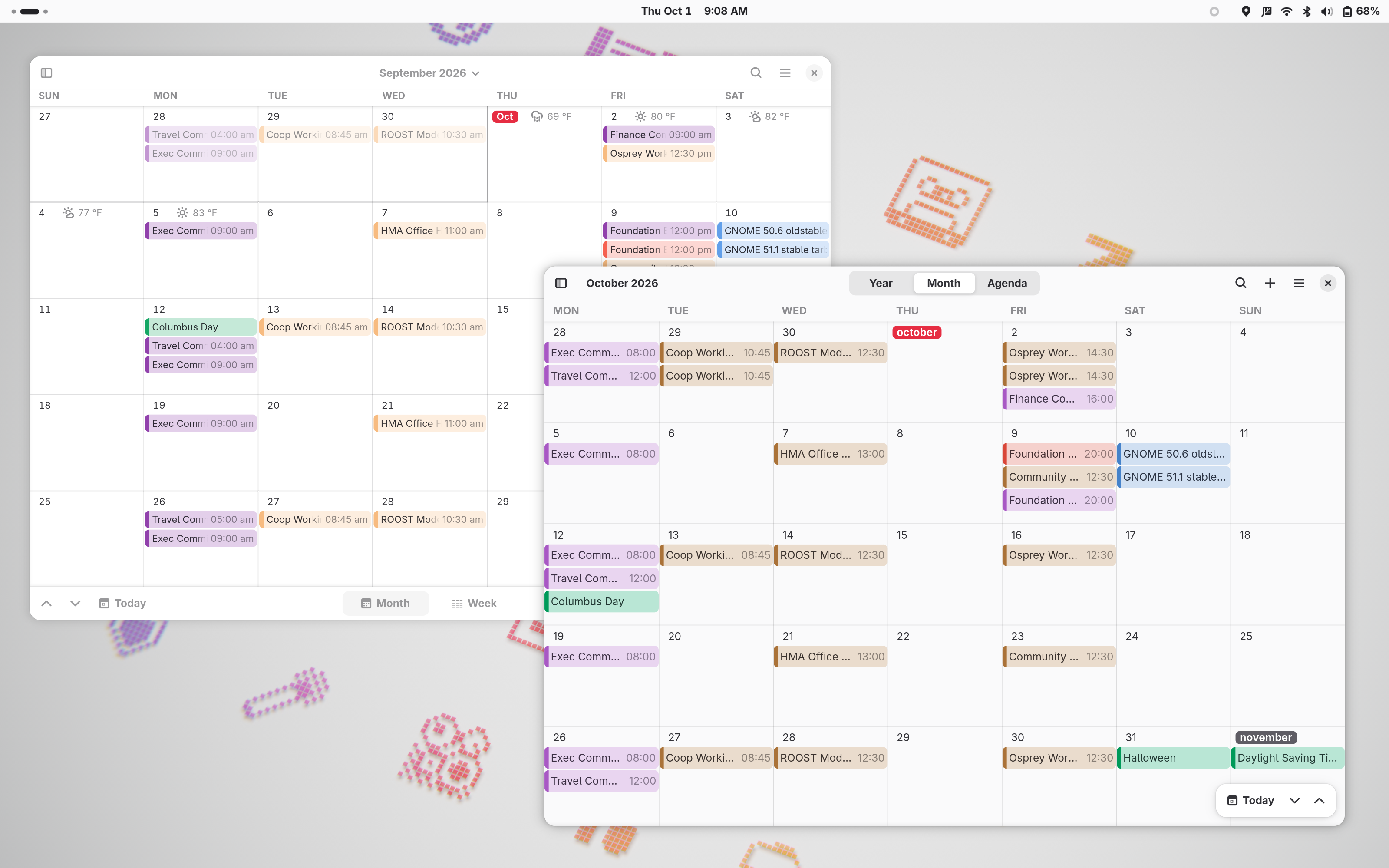
Trying out Era. It feels very nice and GNOME-y with some improvements over the core Calendar app. I have some concerns about dividing development effort, but I also get that sometimes it’s easier to start your own project from scratch without any of the legacy, conventions, or promises of a large, long-developed codebase.

If you’re on Linux, give it a try and report some bugs! :)

flathub.org/en/apps/org.gnome.

Screenshot of a GNOME desktop with GNOME Calendar window positioned behind an Era window, each looking very similar with a month full of events.